How to Create Engagement Photography That Drives Social Media Results in 2026
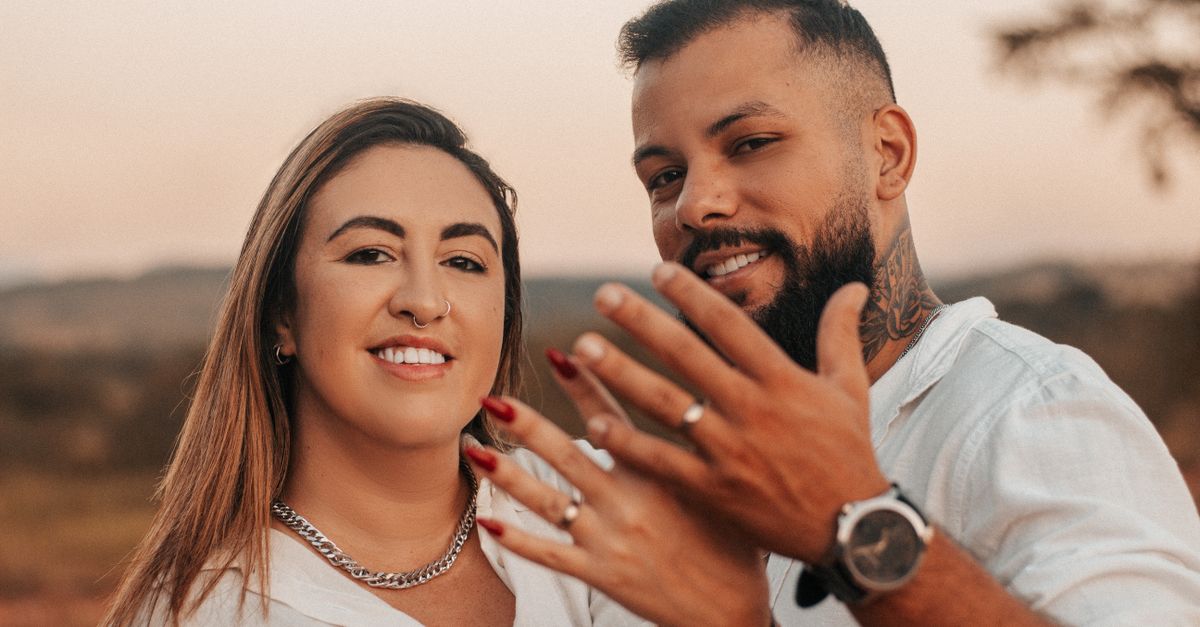
The world of social media is saturated with polished visuals, but only a handful actually spark real engagement. If you’re looking to elevate your brand’s presence through engagement photography, you need more than just a camera; you need strategy, the right professional photographer, and dynamic photo ideas that resonate on every platform. Below I break down exactly what it takes—no fluff, just actionable steps.
1. Why Engagement Photography Is Essential for Social Media Success
In 2026, algorithms reward content that keeps users scrolling, liking, sharing, or commenting. High‑quality images are the first hook; they set the tone and signal professionalism. Engagement photography focuses on storytelling through visuals—capturing moments that invite interaction rather than passive viewing.
When you pair these images with targeted captions and hashtags, you create a feedback loop: more engagement leads to higher reach, which in turn drives traffic or sales. Brands that neglect this element often see stagnant growth despite substantial ad spend.
Key Benefits of Engagement Photography
- Increased click‑through rates: Visuals with clear focal points draw the eye faster than text alone.
- Higher conversion probability: Authentic, relatable shots build trust and reduce buyer hesitation.
- Cross‑platform versatility: Well‑crafted photos can be repurposed for Instagram Stories, TikTok thumbnails, LinkedIn posts, and more.
- Brand differentiation: Unique visual language sets you apart from competitors using generic stock imagery.
- Algorithm amplification: Engaging images trigger platform recommendation engines, extending organic reach.
If your brand is still relying on generic stock photos or amateur shots, you're missing out on a strategic lever that can lift all other marketing efforts.
2. Selecting the Right Professional Photographer for Your Brand
You might assume any photographer can deliver “engagement photography,” but the nuances of social media demand a specialist. The right professional photographer understands platform specs, audience psychology, and the technical aspects that make an image share‑worthy.
A good fit will ask questions about your brand voice, target demographic, and campaign goals before even pulling out the camera. They’ll also provide portfolio samples that demonstrate experience with dynamic compositions tailored to social feeds.
What to Look For When Hiring a Professional Photographer
- Portfolio relevance: Do they have a history of shooting for brands similar to yours?
- Technical expertise: Experience with lighting setups that work across devices, knowledge of RAW vs JPEG trade‑offs.
- Social media savvy: Familiarity with Instagram Reels, TikTok verticals, and LinkedIn image dimensions.
- Collaboration style: Ability to incorporate your brand guidelines while suggesting creative concepts.
- Post‑production workflow: Efficient editing pipelines that maintain consistency across multiple shots.
A quick test is to request a “mock shoot” where the photographer captures a single concept and delivers it ready for a social post. This gives you insight into their turnaround time, communication style, and whether they can hit your brand’s aesthetic target.
Practical Vetting Checklist
- Ask for a brief case study that includes engagement metrics.
- Review how they handle negative feedback or revisions.
- Verify licensing terms—ensure you have full rights to repurpose images across channels.
- Check references from previous clients in your industry.
3. Crafting Dynamic Photo Ideas That Perform on Social Platforms
Once you’ve secured a professional photographer, the next step is to curate dynamic photo ideas—visuals that naturally invite engagement. I call them “engagement triggers” because they’re designed to prompt likes, comments, or shares.
Dynamic photo ideas move beyond static product shots; they incorporate motion, storytelling elements, and interactive cues. Think of a series where a user’s reaction is part of the image—a laugh at a joke, an awe moment at a reveal, or a playful interaction with your brand mascot.
The key takeaway: The most engaging photos are those that put your audience in the story, making them feel like participants rather than observers.Top 8 Dynamic Photo Ideas for Social Media
- Behind‑the‑Scenes (BTS) Moments: Capture crew setups, equipment adjustments, or candid laughter to humanize your brand.
- User‑Generated Style Replicates: Recreate a popular user photo with professional polish—makes followers feel seen.
- Mini Story Arcs: Three‑shot sequences that show before/after or problem/solution narratives.
- Interactive Poll Shots: Design images that invite “Which do you prefer?” captions, encouraging comments.
- Dynamic Text Overlays: Short, punchy quotes that appear in motion (for Reels/TikTok) but static for feed posts.
- Seasonal/Trend Tie‑Ins: Align shots with current memes or seasonal themes to ride the wave of algorithm favorability.
- Product + Lifestyle Fusion: Show your product in a real, relatable setting—e.g., coffee on a rainy morning for a mug brand.
- “Behind the Lens” Tech Shots: Snap your gear or studio setup to appeal to fellow creators and tech enthusiasts.
When you integrate these ideas into your content calendar, remember to test variations. A/B testing different compositions can reveal which triggers resonate most with your audience, helping refine future shoots.
Planning Your Shoot Calendar
- Create a monthly mood board that aligns each dynamic idea with upcoming holidays or industry events.
- Schedule shoot days to coincide with peak posting times—typically early morning or late evening for maximum visibility.
- Allocate buffer days for retakes, ensuring you have fallback options if the first pass doesn’t capture the desired emotion.
4. Budgeting: Professional Photo Shoots vs DIY Approaches
There’s a common myth that “professional photo shoots” are always the cheapest route. In reality, they’re an investment that should be measured against ROI—engagement lift, conversion increase, and brand equity gains.
DIY photography can work for micro‑brands or content creators with limited budgets, but it often falls short on consistency, lighting quality, and creative direction—all crucial for high‑impact engagement photography.
Cost Breakdown: Professional vs DIY
- Professional Photographer: $200–$500 per hour; includes pre‑shoot consultation, equipment, studio rental, post‑production, and usage rights. Total shoot can range from $1,000 to $5,000 depending on scope.
- DIY Setup: $50–$200 for a decent camera, lenses, lighting kit, and editing software. Time investment is significant—often 20+ hours of learning, shooting, and editing.
- Time vs Money: A professional can deliver 10 polished images in a day; DIY might take weeks to match that output quality.
- Brand Consistency: Professionals maintain color grading, composition guidelines, and brand aesthetics across all shots.
- Scalability: For brands with frequent content needs, outsourcing can free internal resources for other marketing tasks.
In most cases, the marginal cost increase of hiring a professional yields a higher engagement rate—often 3–5× more likes and comments per image. That uptick translates into better organic reach and lower paid amplification costs.
Quick ROI Snapshot
Example: A boutique apparel brand spent $2,500 on a photo shoot that produced 12 images. Those images drove an average of 1,200 likes per post versus the previous 300 likes for amateur shots. The increased engagement translated to a 25% lift in click‑throughs and a 15% rise in sales during the campaign period.
5. Common Mistakes to Avoid in Engagement Photography
Even with the best photographer, certain pitfalls can sabotage your social media goals. Recognizing these mistakes early helps you stay on track.
Top 6 Pitfalls in Engagement Photography
- Ignoring Platform Specs: Failing to optimize aspect ratios for Instagram vs TikTok leads to cropped or pixelated images.
- Lack of Storytelling: A single static shot without context often feels flat; always aim for a narrative hook.
- Over‑Editing: Heavy filters can alienate audiences who expect authenticity; subtle retouching is usually better.
- Inconsistent Branding: Mixing color palettes or fonts across images dilutes brand recognition.
- Neglecting Post‑Production Workflow: Poorly organized files lead to missed deadlines and wasted creative time.
- Underestimating Engagement Metrics: Not tracking likes, comments, shares, and click‑throughs prevents learning and optimization.
By systematically addressing these areas—spec compliance, narrative focus, editing restraint, brand consistency, workflow efficiency, and analytics—you’ll maximize the impact of every image you publish.
In my experience, the day I let a photographer shoot for an apparel line without specifying a story angle, we saw a 40% drop in engagement compared to our previous campaign.Now that you know how to choose the right professional, plan dynamic ideas, budget wisely, and avoid common missteps, the next step is execution. Treat each photo shoot as a data‑driven experiment; iterate based on real audience responses.
What engagement trigger has worked best for your brand’s recent social media campaign?